Quick Answer
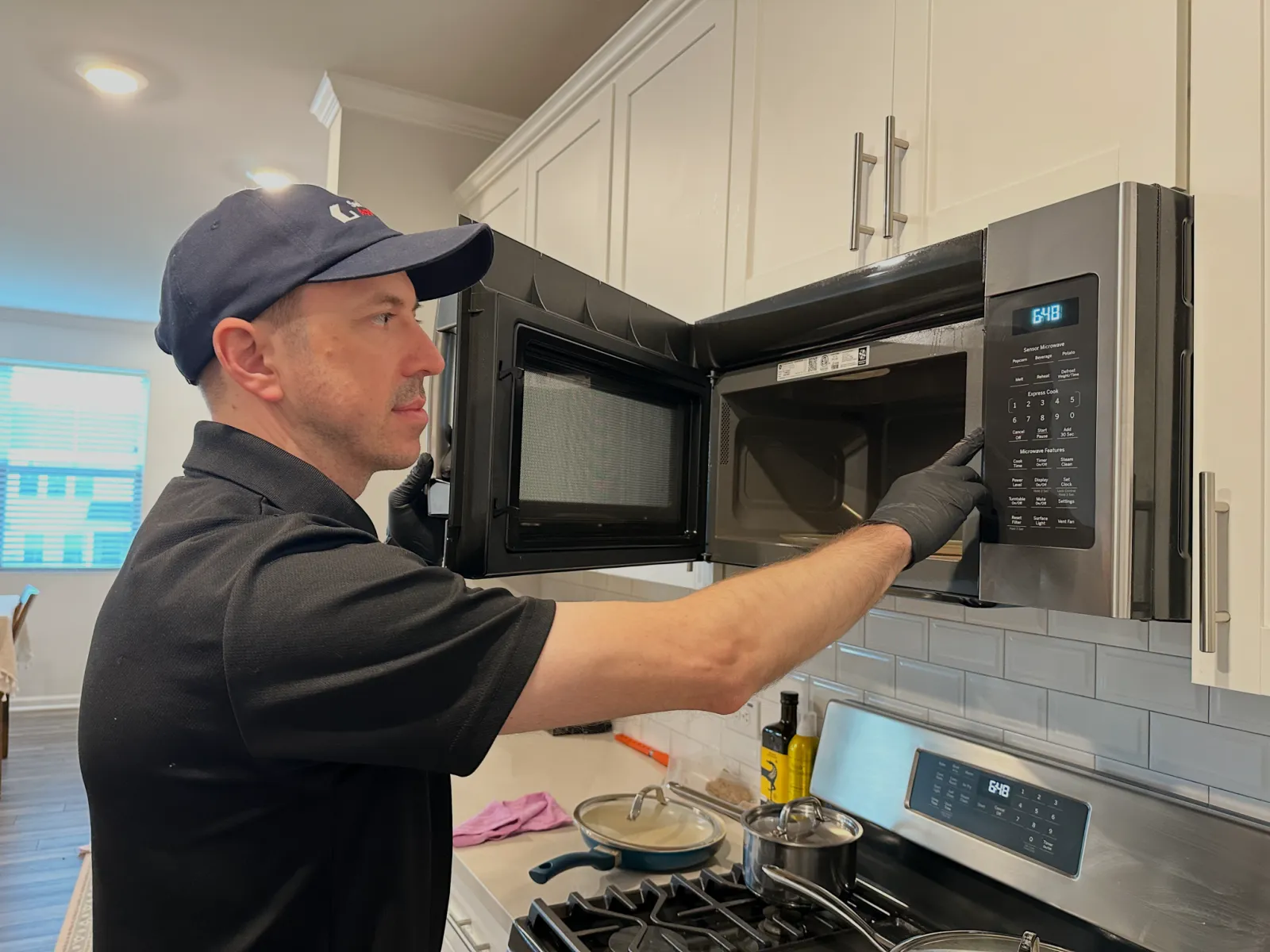
If the interior light comes on but the microwave will not start, first check that the door closes normally, Control Lock is off, and you have entered a cook time. If the display and buttons work, a faulty door switch is a common reason Start does nothing.
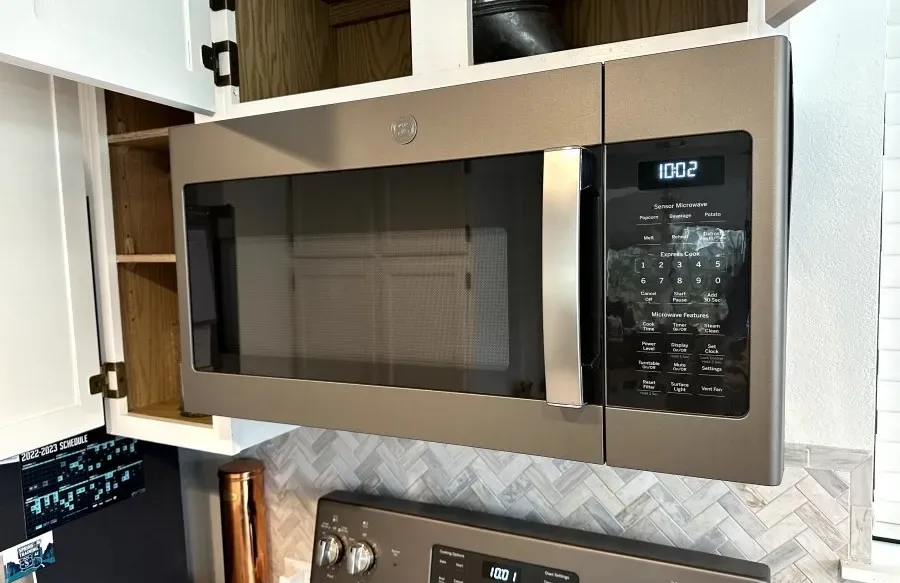
On an over-the-range model, the light above the stove is a separate feature. If that is the only light working and the display is blank, start with an accessible plug and the breaker rather than assuming the door is the problem.
Most Likely Causes
Door obstruction, latch, or door switch
Door switches tell the control whether the door is closed. If the display works but cooking will not start, check for visible debris around the latch and door edges. Clearing debris is safe. A damaged latch or failed switch needs a technician, especially if pushing on the door changes what happens.
Control Lock or cook setting
A responsive display with no cooking can mean Control Lock is on, a timer is running instead of a cook cycle, or no cook time was entered. Cancel the setting and check your owner's manual for the lock controls. This is homeowner-safe.
Start keypad or control board
If other buttons respond but Start does not, the keypad or control board may be faulty. The board manages the cooking controls. Note which buttons work and leave diagnosis and replacement to a technician.
Power or control failure with a blank display
If only the cooktop light works, the outlet or cooking controls may have a power problem. Checking an accessible plug and breaker is safe. A display that stays blank after those checks needs professional diagnosis.
Safe Checks to Do First
- Identify the light. Is it inside the cooking cavity when the door opens, or under the microwave above the stove?
- Look at the display. Press Stop/Clear once, turn off Control Lock using your model's instructions, then enter a cook time.
- Check the visible door edges and latch openings for food or anything caught there. Close the door normally without forcing it.
- If the display is blank, check that a safely accessible plug is seated and check the breaker once. Do not move an over-the-range microwave to reach its outlet.
- With a working display, put a microwave-safe cup of water inside and try a short cook cycle. Never run it empty.
- If the controls seem unresponsive, unplug the microwave for about a minute if the plug is easy to reach, then reconnect it and try once.
What the Symptoms Usually Mean
Interior light works, but Start does nothing
With a responsive display and no lock setting, this most often points to the door switch system. If only the Start button fails while other buttons work, the keypad is another possibility.
Cooktop light works, but the display is blank
This most often points to a power or control problem, not a heating failure. The cooktop light alone cannot tell you whether the cooking controls are working.
Microwave starts only when the door is pushed
This points to a latch or door switch problem. Stop using it rather than holding the door in place.
Microwave runs, but food stays cold
This points to a heating-system fault, which is a different problem. Use the checks in microwave not heating.
When to Stop DIY and Call a Technician
Stop using the microwave if the door is damaged, anything runs with the door open, the breaker trips again, or you notice sparks, unusual buzzing, or a burning smell. A blank display after the safe power checks also calls for service.
Do not remove the cover or test internal parts. Microwave components can hold a dangerous electrical charge even when unplugged, so internal diagnosis is technician work. When scheduling microwave repair, say which light works, what the display shows, and what happens when you press Start.
From Our Repair Log
November 2026: GE Appliances Microwave Turntable Runs When Opened. Door Switch Replacement in Apex
We found that the switch stayed in the closed position even with the door open. Its contact was not changing state when the door moved.