Quick Answer
When both the fan and lights are dead, check power first. An unplugged cord, tripped breaker, or tripped GFCI outlet can leave an under-cabinet range hood unresponsive.
If those checks are clear, a failed control, internal fuse, or wiring connection may be at fault. Lights that still work tell you the hood has power. A fan that runs but moves little air points to an airflow problem, not a dead hood.
Most Likely Causes
Power to the hood is interrupted
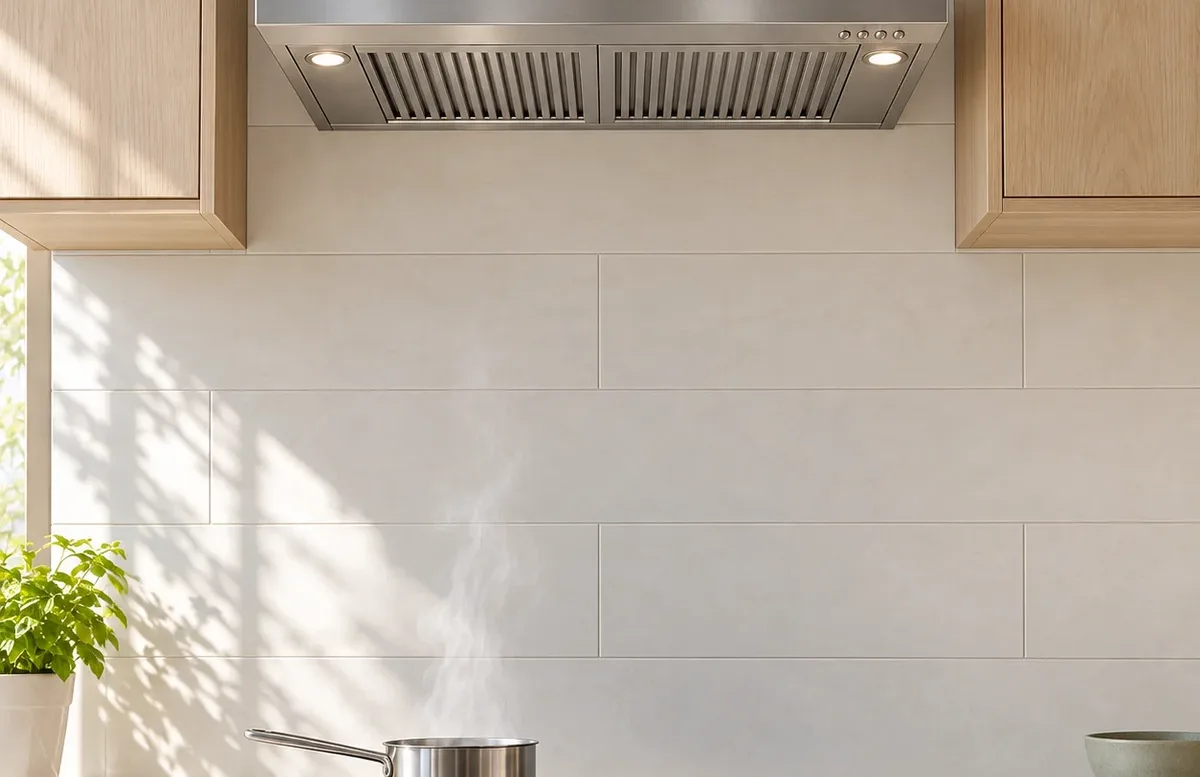
Some hoods plug into an outlet in the cabinet above them. Others are hardwired. A loose accessible plug, tripped breaker, or tripped GFCI can shut off both fan and lights. Checking those external power points is homeowner-safe.
A switch or control has failed
Switches or an electronic control board operate the fan and lights. Buttons that stick or respond inconsistently can point to a control fault. A control lock on some models can also make a working hood seem dead. Beyond checking the manual for that setting, control diagnosis is technician work.
An internal fuse or power supply has failed
Some models use an internal fuse or electronic power supply for their controls. Dead lights and a dead display can fit this fault, though those symptoms do not identify the part by themselves.
A connection or wire is damaged
Intermittent operation, flickering lights, or a burning smell can point to a wiring fault. Leave the hood off if you notice heat, smoke, or a burning smell.
Airflow is restricted when the fan does run
Grease filters can clog. On a vented hood, a blocked duct or stuck outside damper can reduce airflow. A recirculating hood may have a clogged charcoal filter. These faults do not usually make both the fan and lights dead, but poor airflow can make a running fan seem ineffective.
Safe Checks to Do First
- Try the fan and light controls separately. For touch controls, check the manual for a control lock.
- Look for an easily reached plug in the cabinet above the hood and make sure it is seated. Do not move the hood or remove a panel to find one.
- Check the labeled breaker and any GFCI outlet that supplies the hood. Reset a tripped device once. Leave it off if it trips again.
- If the fan runs, switch the hood off and let it cool. Remove and clean the washable grease filters as the manual directs. On a recirculating hood, check whether its charcoal filter is due for replacement.
- For a vented hood, look for airflow at a safely accessible outside vent while the fan runs. Check whether its flap opens. Do not climb or reach into the duct.
What the Symptoms Usually Mean
Neither lights nor fan turn on
Lost power is the first suspect. When the accessible power checks are clear, a control or internal electrical fault becomes more likely.
Lights work, but the fan will not start
Power is reaching the hood. The fan control or motor is a better suspect than the breaker. See the range hood fan guide for that symptom.
Fan runs, but the lights stay off
The light setting or a failed homeowner-replaceable bulb is most likely. Check the manual for the correct bulb or light module. Flickering or lights that remain out after a permitted bulb change point toward the light control or wiring.
Fan runs but barely pulls air
A dirty grease filter is a common cause. A clogged charcoal filter can affect a recirculating hood, while a blocked duct or stuck damper fits a vented one. A fan that spins normally can still have poor airflow.
Hood starts, then stops
An intermittent control or an overheating fan motor is more likely than a lost power supply. Note whether the lights stay on when the fan stops. Repeated shutdown needs diagnosis.
When to Stop DIY and Call a Technician
Stop using the hood if a breaker or GFCI trips again, you smell burning, or operation is intermittent. Do not open screwed panels, test wiring, or work inside the duct. If external power and control checks do not restore operation, schedule range hood repair.